Waiting for your QR payment
Complete the UPI payment using the QR on the left, then verify the order to unlock the dashboard and course access path.
Your request has already been created. Confirm the exact program details, pay the right amount with UPI, then verify the status and continue into the student area.
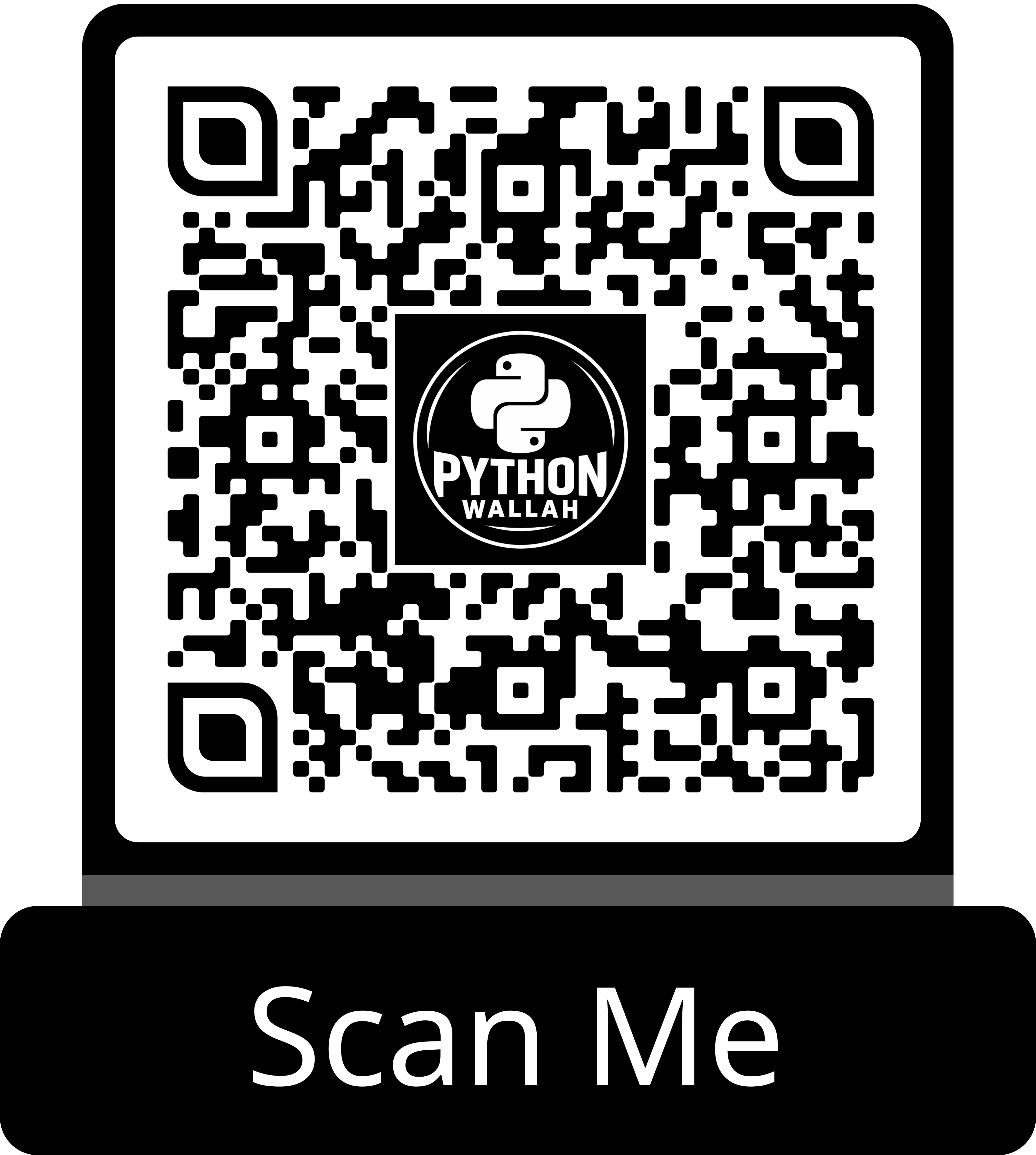
Complete the UPI payment using the QR on the left, then verify the order to unlock the dashboard and course access path.
Use the request ID for support follow-up if you face any issue during payment or program confirmation.
Your seat is secured. Continue to the student dashboard to access program details, schedule, resources, and AI learning tools.